
Download Free42 – free scientific calculator, HP‑42S emulator, cross‑platform tool
Why Free42 Still Matters in a Smartphone‑First World
When you think of a scientific calculator, the image that often pops up is a small, rigid device with a sea of buttons and a single‑line display. Yet the legacy of those machines lives on in a modern, open‑source project that bridges the gap between nostalgic hardware and today’s multi‑core operating systems: Free42. Free42 is a faithful emulation of the legendary HP‑42S, a handheld calculator that defined engineering and scientific work in the 1990s. What makes Free42 stand out is not just its authenticity, but the fact that it brings the full HP‑42S experience to a wide range of platforms—Windows, macOS, Linux, iOS, Android, and even older environments like PalmOS and Pocket PC. This breadth means you can carry the same powerful calculation engine from a desktop workstation to a pocket‑sized tablet without sacrificing features or precision.
For students tackling higher‑level mathematics, engineers running quick parametric sweeps, or hobbyists exploring probability and statistics, Free42 offers a robust set of functions that go far beyond the basic four‑function calculators that ship with most phones. It supports matrix operations, complex numbers, statistical distributions, and programmable keystroke macros that mimic the original HP‑42S’s programming language. Even the display can be toggled into a “multidimensional” view, letting you see results as vectors or matrices, which is especially handy when dealing with linear algebra problems. Because the software is completely free and open source, you also benefit from community‑driven updates, bug fixes, and the reassurance that there are no hidden costs or subscription traps.
In short, Free42 is more than a nostalgia piece; it is a fully functional scientific tool that respects the rigor of its predecessor while adapting to modern workflow expectations. Whether you need to solve differential equations on a Linux workstation or quickly calculate a binomial probability on an iPhone during a field survey, Free42 delivers a secure, reliable, and cost‑free solution.
Key Features That Make Free42 a Must‑Have Calculator
- Exact HP‑42S Emulation – replicates the original firmware, key layout, and programming language.
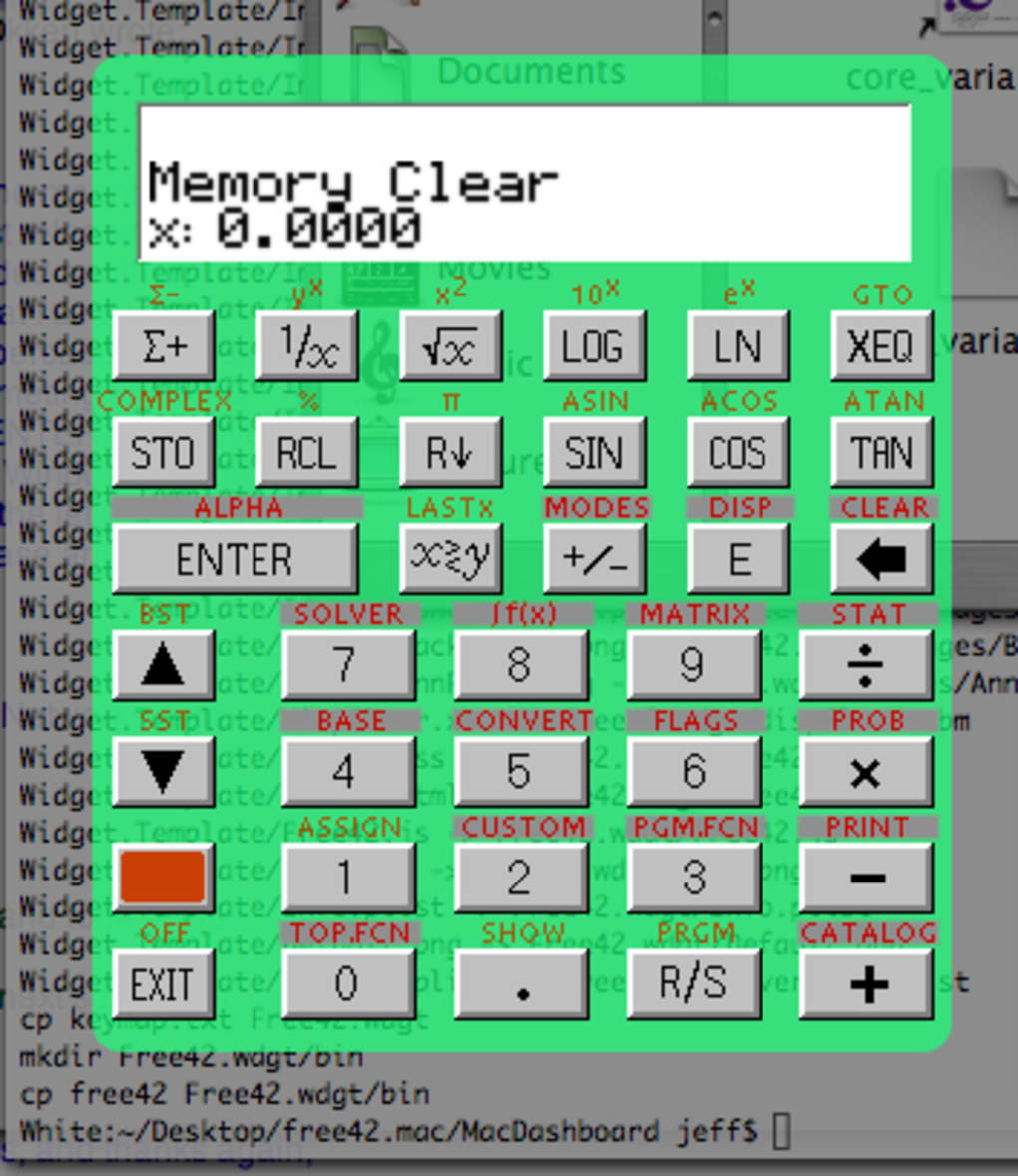
- Cross‑Platform Support – native binaries for Windows, macOS (app & Dashboard widget), Linux (x86), iOS, Android, PalmOS, and Pocket PC.
- Advanced Math Functions – complex numbers, matrices, statistical distributions, integrals, and differential equations.
- Programmable Keystroke Macros – write and store small programs directly on the calculator, just like the original device.
- Multidimensional Display Mode – view results as vectors, matrices, or stacked tables for better data insight.
- Open‑Source Codebase – free to modify, audit, and improve; no hidden fees or ads.
- Customizable Keyboard Layout – choose between portrait, landscape, or classic HP‑42S key arrangement.
- Export & Import – copy results to the clipboard, save programs as text files, or import HP‑42S ROM images.
- Responsive UI – touch‑optimized for smartphones and tablets while preserving the tactile feel on desktops.
- Regular Updates – community‑driven releases keep the emulator compatible with the latest OS versions.
Each of these features has been carefully designed to keep the spirit of the HP‑42S alive while adding conveniences that were impossible on the original hardware. For instance, the ability to export a program as a plain‑text file means you can share your custom calculations with colleagues or version‑control them using Git. The multidimensional display, a modern addition, transforms raw numeric output into a format that’s easier to interpret for engineers dealing with linear systems or physicists handling vector quantities. Even the touch‑optimized keyboard retains the familiar RPN (Reverse Polish Notation) workflow, so long‑time HP users feel right at home.
Because Free42 is open source, you also benefit from a transparent development process. Bugs are reported and fixed publicly, and feature requests are considered by a global community of developers and power users. This collaborative environment ensures that the calculator evolves alongside the scientific and educational needs of its audience, without ever compromising the original HP‑42S experience.
Installation, First‑Run Tips, and Platform Compatibility
Getting Free42 up and running is intentionally straightforward. For Windows users, download the .exe installer from the official site, run it, and follow the wizard prompts—no admin rights are required for a user‑level install. macOS users can choose between a full‑featured application bundle or a lightweight Dashboard widget; simply drag the app to the Applications folder or add the widget to the Dashboard. Linux users on x86 systems can grab the pre‑compiled .tar.gz archive, extract it, and execute the binary from the terminal. iOS and Android users will find the app in their respective stores under the name “Free42,” where a single tap installs the app with all necessary permissions.
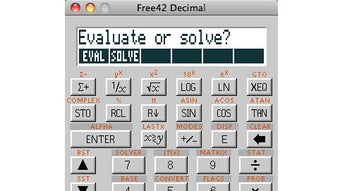
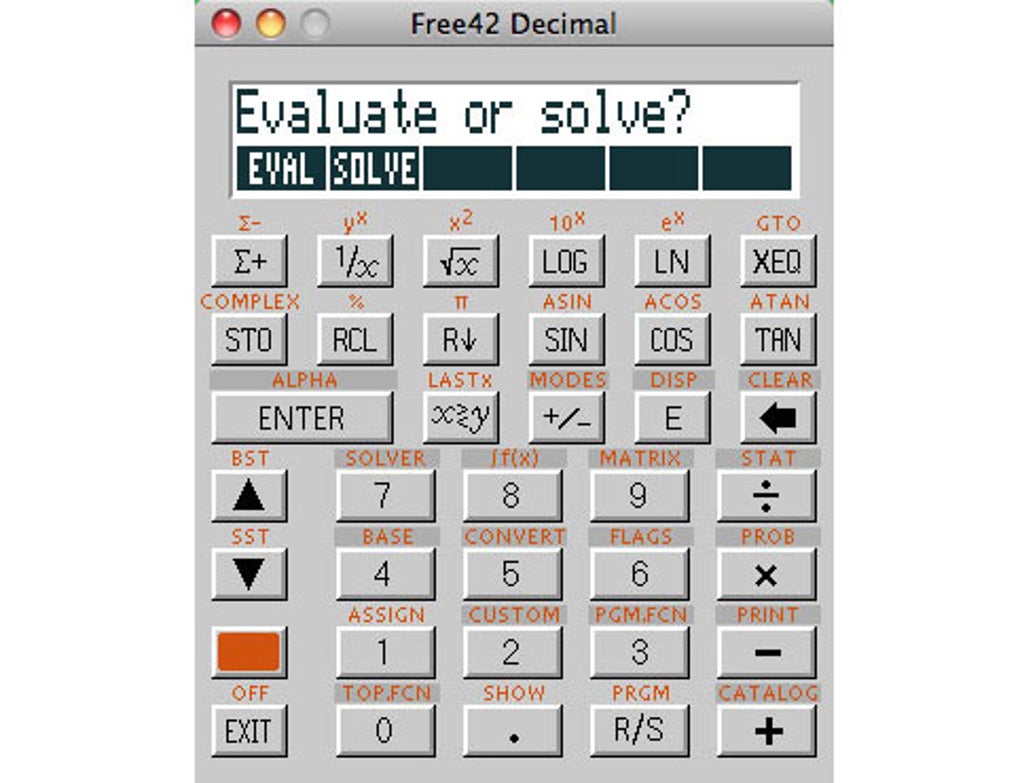
Once installed, launch the program and you’ll be greeted by the classic HP‑42S layout. The first‑run wizard offers a quick tutorial that walks you through the RPN stack, how to enter matrices, and how to save a program. If you’re new to RPN, the tutorial’s visual cues are invaluable—just follow the on‑screen prompts and try the sample calculations provided. For power users, the Program menu lets you write, edit, and run custom macros. Remember to save your work frequently; Free42 automatically creates a backup file in the user’s home directory, but manual saves give you more control.
Supported Operating Systems
- Windows 7, 8, 10, 11 (both 32‑bit and 64‑bit)
- macOS 10.10 and later (including Catalina, Big Sur, Monterey, Ventura)
- Linux (any distribution with x86 architecture; Ubuntu, Fedora, Debian, etc.)
- iOS 11.0+ (iPhone, iPod touch, iPad)
- Android 5.0+ (smartphones, tablets)
- PalmOS 5.4 and later
- Pocket PC (Windows Mobile 6.x)
When using Free42 on mobile devices, take advantage of the pinch‑to‑zoom feature to enlarge the display for complex matrices. The app also supports dark mode on iOS and Android, automatically adapting to the system theme for reduced eye strain. If you encounter any issues during installation—such as missing dependencies on Linux—consult the official installation guide, which provides step‑by‑step commands for the most common distributions.
Pros, Cons, Frequently Asked Questions, and Final Thoughts
Pros & Cons
- Pros:
- Completely free and open source – no hidden fees.
- Faithful HP‑42S emulation with full programming capabilities.
- Runs on virtually every modern platform, from desktops to smartphones.
- Rich set of scientific functions, including matrix and statistical tools.
- Active community provides regular updates and bug fixes.
- Cons:
- Interface may feel dated to users expecting glossy modern UI.
- RPN workflow has a learning curve for newcomers.
- Limited documentation compared to commercial calculator suites.
Frequently Asked Questions
Is Free42 truly free or are there hidden in‑app purchases?
Free42 is 100 % free and open source. There are no ads, subscriptions, or hidden in‑app purchases on any platform.
Can I import programs from a physical HP‑42S calculator?
Yes. Free42 can read HP‑42S ROM images and import saved programs as plain‑text files, allowing seamless migration from hardware to software.
Does Free42 support complex numbers and matrix operations?
Absolutely. The emulator includes full support for complex arithmetic, matrix multiplication, inversion, eigenvalues, and more.
What is the recommended way to back up my custom programs?
Use the “Export Program” feature to save a .txt file. You can also copy the Free42 configuration folder from your home directory to a cloud storage service for redundancy.
Is there a way to use Free42 offline?
Yes. Once installed, Free42 works entirely offline. No internet connection is required for calculations, though updates are fetched online.
Conclusion – Is Free42 Right for You?
If your work or studies demand more than basic arithmetic, Free42 offers a rare blend of authenticity, power, and accessibility. Its zero‑cost model, combined with a feature set that rivals many commercial scientific calculators, makes it an attractive option for engineers, scientists, educators, and students alike. While the UI may appear modest compared to polished commercial apps, the depth of functionality—especially the ability to write and run RPN programs—more than compensates for any aesthetic shortcomings.
The cross‑platform nature ensures that you can rely on the same calculation engine whether you’re at a desktop workstation, in a classroom, or out in the field with a mobile device. The open‑source community guarantees that the software will continue to evolve, keeping it secure and up‑to‑date. In short, Free42 is the perfect free alternative for anyone who needs a serious scientific calculator without the price tag.
Ready to experience the power of the HP‑42S on your device? Click the download button below, install Free42 on your preferred platform, and start solving complex problems today. Download Free42 now and join a global community of calculator enthusiasts.







